Self-Hosting Actual Budget on Cloud Run: A Free YNAB Alternative
September 25, 2026
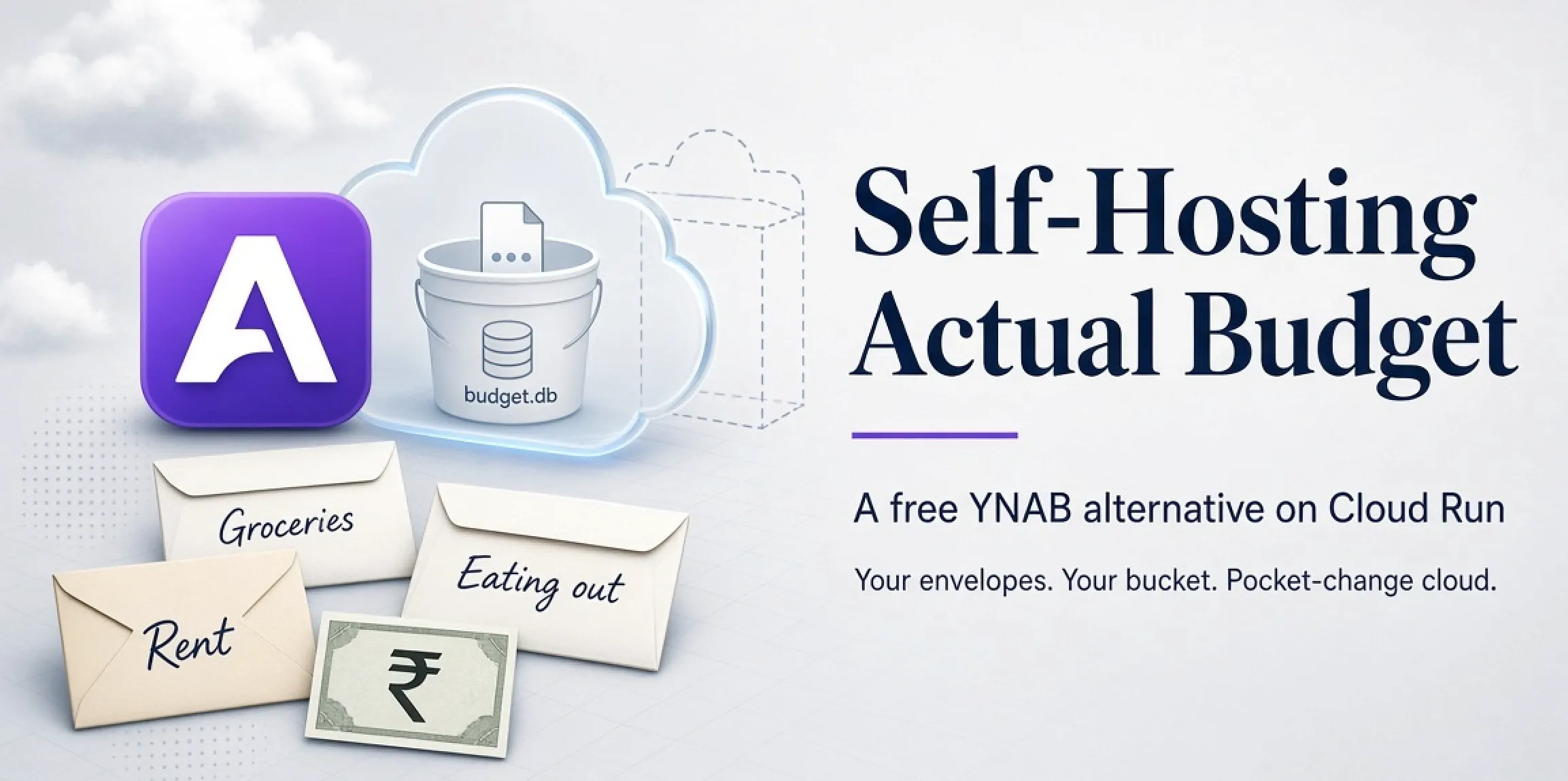
A few weeks back I read You Need a Budget by Jesse Mecham, the founder of YNAB. One idea stuck: money sitting in the bank account is not “my money” until I have given it a job. I wanted to try the method properly, not with another Google Sheet that dies in two weeks.
This post is what I ended up with: Actual Budget on Google Cloud Run, data in a Cloud Storage bucket, behind my own domain. It costs me a few rupees a month at most.
YNAB in one paragraph
YNAB (You Need A Budget) is envelope budgeting as an app. Salary comes in, and you assign every rupee to a category before you spend any of it. Rent, groceries, trips, each gets an envelope. Dinner comes out of “Eating out”, not out of some vague balance. When an envelope hits zero, you either stop or you consciously move money from another one. That is the whole trick. Overspending stops being a month-end surprise and becomes a decision you make in the moment.
I like the method. Two things stopped me from paying for the app.
First, the price is set for a US salary. $109 a year is a rounding error in dollars and about ₹9,000 after the forex markup on the card, for software that cannot even talk to an Indian bank. Adjust for purchasing power and it is one of the more expensive subscriptions I would own. I already pay for enough of those.
Second, this is every transaction I make. Every spend, sitting in a database in the US. I am not paranoid. I just do not need a server in Virginia knowing how many times I ordered food this month when a disk I control can keep that secret. The method is worth adopting. The SaaS, not so much.
The open-source answer: Actual Budget
Actual was a paid app until 2022, when the author open-sourced the whole thing under MIT. Today it is a proper community project with monthly releases, and it does the same envelope budgeting YNAB does: rollover, goals, scheduled transactions, rules, reports. The app runs entirely in your browser against a local SQLite database. The server only syncs that database between your devices.
Massive respect to the maintainers for this. A tool this polished, free, with your data on a disk you own, is exactly what open source is for. If you use it, sponsor them or send a PR.
Two honest caveats before you start:
- No Indian bank sync. The sync providers cover Europe, the Americas and New Zealand. You import a CSV from netbanking. Two minutes a week once the column mapping is saved.
- No native mobile app. You install the web app as a PWA. It works offline and is fine for logging a coffee.
INR display works out of the box.
Why Cloud Run
You can run Actual on Docker, a VPS, or PikaPods for about $1.50 a month. I already had a personal GCP project with billing set up from older side projects, and Cloud Run’s free tier is 2 million requests a month. A budget app used by one person is nowhere near that.
My first idea was Cloud Run plus a free Supabase Postgres. Dead in five minutes. Actual does not use Postgres at all. It writes two directories to disk: a small SQLite file for the server account and your budgets as binary blobs.
Cloud Run wipes the container disk on every cold start, which is a problem when your entire budget is a SQLite file sitting on that disk. So the bucket becomes the disk. A Cloud Storage bucket mounted as a volume shows up inside the container as a plain /data folder, and every byte written there lands in the bucket. That is it.
flowchart TD
  Phone[Phone PWA] --> DNS[Cloudflare DNS<br/>ynab.codesankalp.com]
  DNS --> Run[Cloud Run<br/>actual-server, 1 instance max]
  Run -->|FUSE mount at /data| Bucket[(Cloud Storage bucket<br/>account.sqlite + budget blobs)]
The setup
Use a personal Google account. Cloud Run needs a billing account linked even for free-tier use.
gcloud auth login
gcloud config set project YOUR_PROJECT
gcloud config set run/region us-central1
gcloud services enable run.googleapis.com storage.googleapis.com

export BUCKET=actual-data-$RANDOM
gcloud storage buckets create gs://$BUCKET --location=us-central1 --uniform-bucket-level-access
gcloud storage buckets update gs://$BUCKET --versioning
us-central1 because it is on the always-free list. Versioning because this bucket is your only copy of the budget.
Now deploy the official image:
gcloud run deploy actual \
  --image=docker.io/actualbudget/actual-server:latest \
  --allow-unauthenticated \
  --port=5006 \
  --execution-environment=gen2 \
  --min-instances=0 \
  --max-instances=1 \
  --memory=512Mi \
  --add-volume=name=data,type=cloud-storage,bucket=$BUCKET \
  --add-volume-mount=volume=data,mount-path=/data \
  --set-env-vars=ACTUAL_DATA_DIR=/data
Three flags you must not change:
--max-instances=1. Two instances writing one SQLite file over FUSE will corrupt it.--min-instances=0. A warm instance bills round the clock and kills the free tier.--allow-unauthenticated. Actual has its own password; the URL must open without a Google login.
Open the printed URL, set a strong password, create a budget. Then run gcloud storage ls gs://$BUCKET/** and make sure server-files/account.sqlite is there. If it is not, fix it before you enter three months of transactions.
Custom domain on Cloudflare
Cloud Run domain mappings are free. My DNS happens to be on Cloudflare, but nothing here is Cloudflare-specific. It is one TXT record and one CNAME, and any registrar or DNS provider can do that.
gcloud domains verifications verify codesankalp.com
gcloud beta run domain-mappings create --service=actual --domain=ynab.codesankalp.com
The first command sends you to Search Console to add a TXT record. The second tells you to add a CNAME. In Cloudflare:
| Type | Name | Target | Proxy status |
|---|---|---|---|
| CNAME | ynab | ghs.googlehosted.com | DNS only |
Grey cloud, not orange. Google validates its managed certificate over HTTP, and Cloudflare’s proxy breaks that validation. You lose nothing: Cloud Run already terminates TLS and Actual has its own auth.
Certificate took about twenty minutes to show up. Then I opened the URL on my phone, hit Add to Home Screen, and logged in once.
What it actually costs
“Free tier” is not the same as “free”, so here is the honest version.
| Item | Free tier | My usage | Bill |
|---|---|---|---|
| Cloud Run requests, CPU, memory | 2M requests, 180k vCPU-s | A few hundred requests a day | ₹0 |
| Storage | 5 GB | Budget files are a few MB | ₹0 |
| Storage writes (Class A) | 5,000 a month | FUSE rewrites the file on every sync | ₹0 to ₹20 |
| Egress to India | 1 GB | The PWA caches the app | ₹0 |
| Domain mapping, certificate | Free | One subdomain | ₹0 |
The one that can cross the line is storage writes. Every sync from the phone flushes the SQLite file, and FUSE uploads the whole object each time. A few dozen syncs a day gets you past 5,000 writes a month, and the overage is $0.005 per thousand. That is the “few rupees” in the intro.
I keep every old version of the budget file on purpose, so the bucket grows slowly over time. At a few MB per budget that is years away from the 5 GB free storage. A billing budget alert at ₹100 in the console covers the rest. It has not fired.
Was it worth it
I still would not pay YNAB. I would rather pay Actual’s maintainers. If cloud consoles are not your idea of fun, pay PikaPods the $1.50 and skip all of this. The part that actually lets me sleep is the bucket versioning: every version of the budget file, in a place only I can delete.